Minecraft Legends (PC) KEY Global - Game Accounts
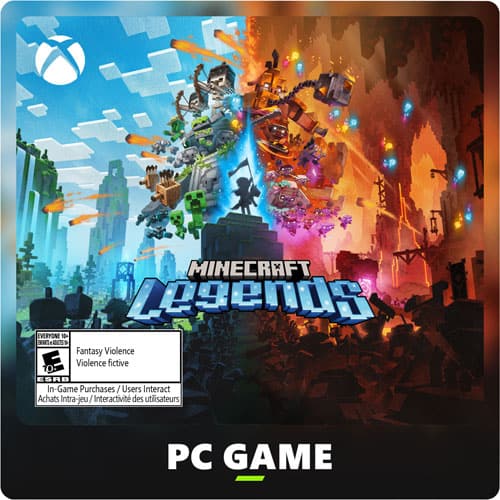
Minecraft Legends key (PC)
Please read the description carefully.
The key is Microsoft specific.
From the Microsoft Store:
- To claim the game, open a Windows 10 or 11 device and search for “Microsoft Store”.
- Ensure that you are signed into the Microsoft Store under the account you wish to play Minecraft Legends, then select the Account button in the upper-right corner, next to the search bar.
- A menu will open with the option to “Redeem code or gift cards”.
- Select that option, input the 25-character code, and click “Next” to link the content to the account.
From a Microsoft account:
- Follow the link here.
- Select “Redeem Code”.
- Enter the 25-character code, select “Next”, and then follow the prompts.
| Logo Type | |
| Logo Style | |
| Game Genre | |
| Game Style |
Rating and Reviews
| Average Rating | Item Stats | ||||||||||
|---|---|---|---|---|---|---|---|---|---|---|---|
0.00 0 reviews Sales0 |
|
About the Seller
Seller Profile

 Egypt
EgyptBronze
Member Since
April 2025
Languages
- There are currently no other items by this seller available.


Comments
0